





You may get .psd* file of "Mysterious Hollow" Photoshop tutorial by making a payment. Put the tutorial title in "Add special instructions to seller" line of PayPal and it will be sent to you shortly. |
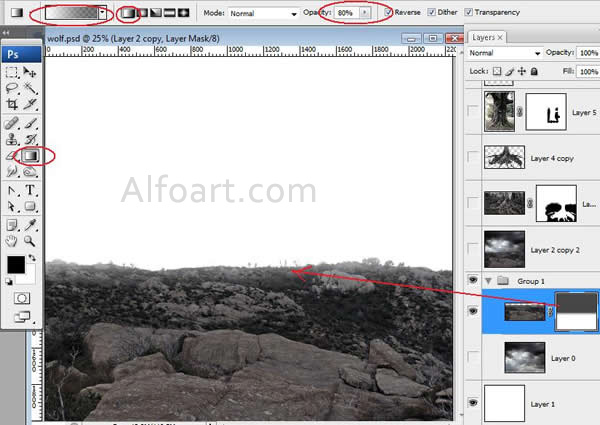
- Add Layer Mask to landscape layer.
- In order to smooth layer edges fill horizon area of the Mask with linear black and white gradient 80% Opacity.
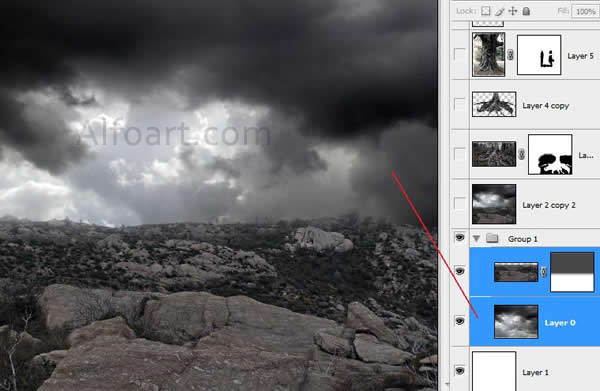
- Paste sky image in the bottom layer.
The sky after and before changes.
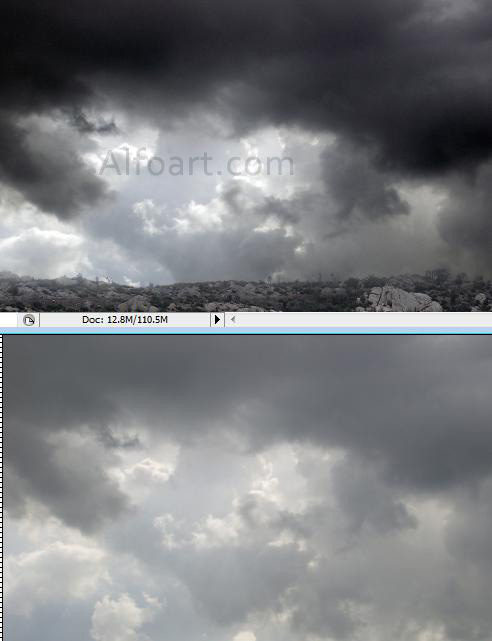
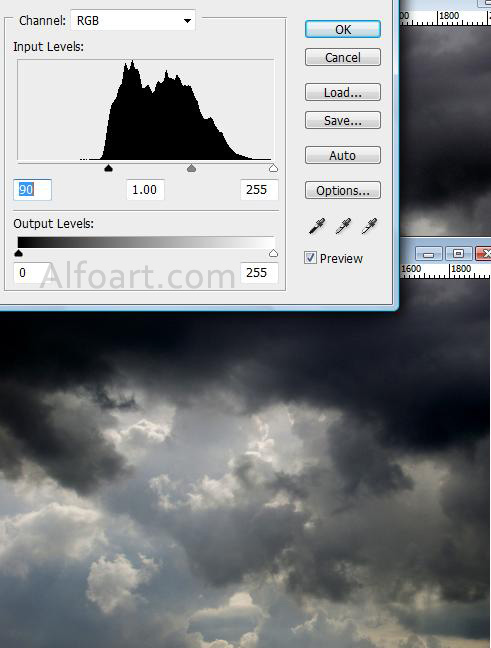
- To create dramatic and dark effect, adjust levels, just like in the screen shot below, play with Contrast and Color Balance adjustments. Image > Adjustments>
- > Levels
- > Color Balance
- > Hue/Saturation
- > ... and others
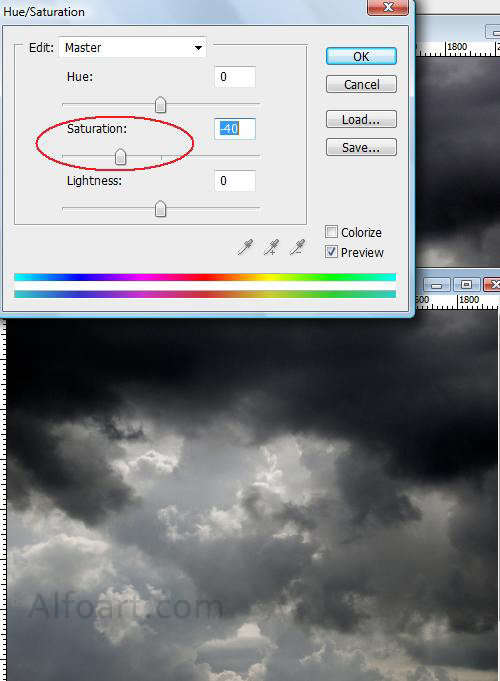
- Change Saturation settings.