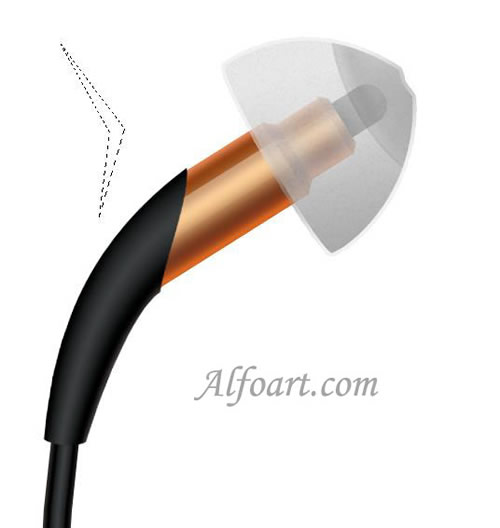






| You may get .psd* file of "Creating Klipsch earphones in Photoshop" Photoshop tutorial by making a payment. Put the tutorial title in "Add special instructions to seller" line of PayPal and it will be sent to you shortly. |
- Create Ellipse selection.
- Fill it with white color. Click on "D".
- Choose Filter > Render > Clouds.
- Filter > Blur > Radial Blur (100, Zoom, Best).
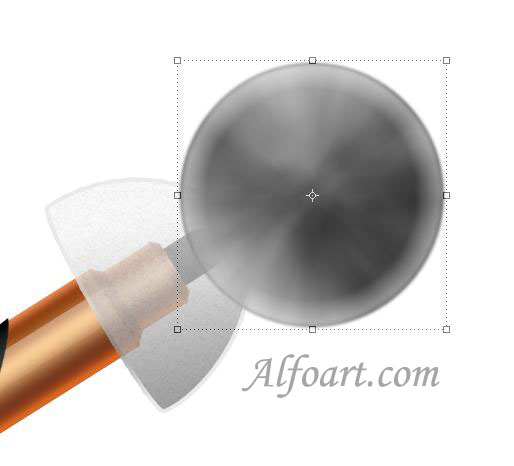
- Apply Free Transformation.
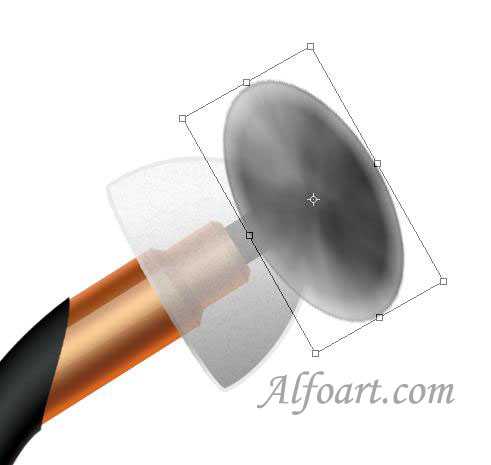
- Ctrl + Click on layer with white plastic to load selection.
- Go to Select > Inverse.
- Return to the layer with oval and remove superfluous parts.

- Draw a silhouette of an emblem using Pen Tool and Convert Point Tool. Click Ctrl + Enter to load selection.
- Fill it with gray color.