





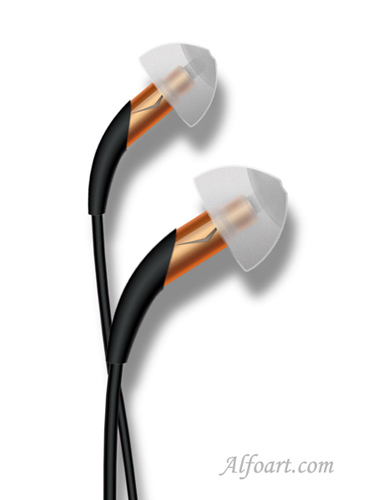
| You may get .psd* file of "Creating Klipsch earphones in Photoshop" Photoshop tutorial by making a payment. Put the tutorial title in "Add special instructions to seller" line of PayPal and it will be sent to you shortly. |
- Create a new layer.
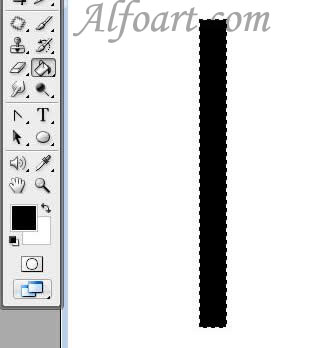
- Make a rectangular selection using Rectangular Marquee Tool

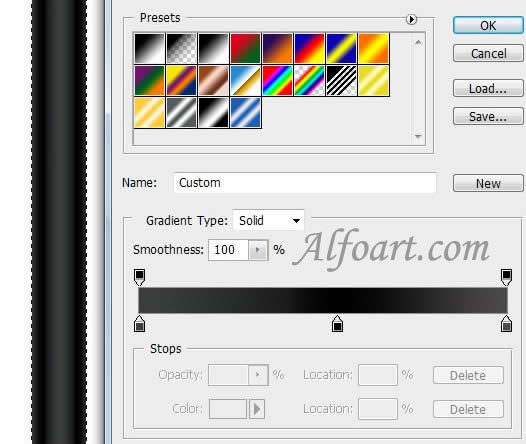
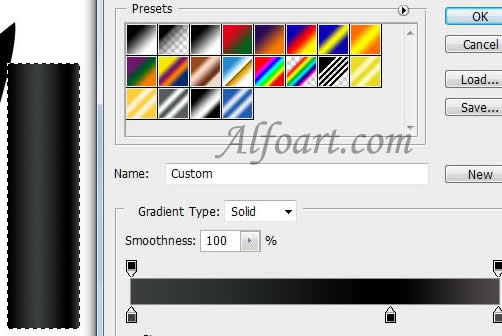
- Fill it with Reflected gradient
 .
.
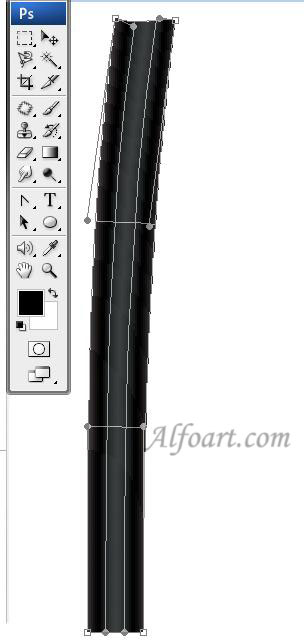
- Transform the rectangular using Warp Transformation (Manipulates the shape of an item).
- Click Switch Between Free Transform And Warp Mode button
 in the options bar.
- Make a new rectangular selection.
- Fill it with gradient.
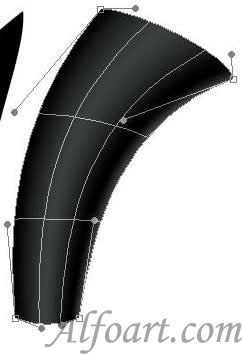
- Transform the rectangular using Warp Transformation.
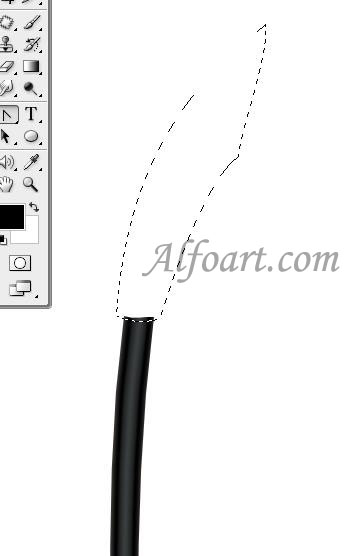
- Draw a form, using Pen Tool and Convert Point Tool.
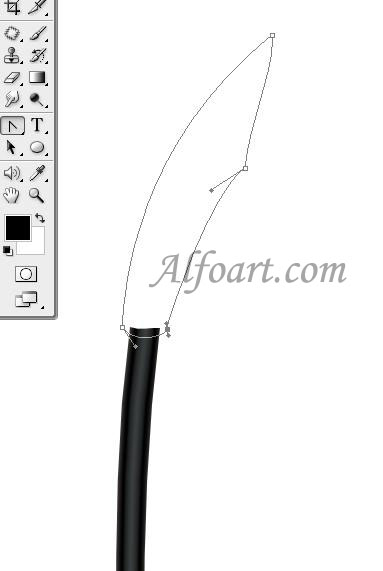
- Click Ctrl + Enter to load selection.
- Fill the selection with black color.