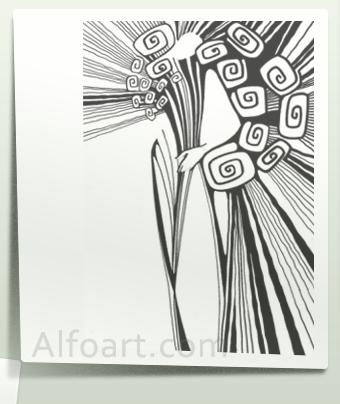






|
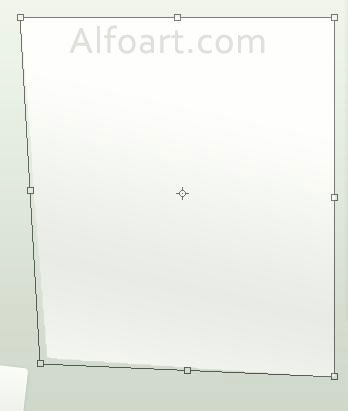
- Create rectangle and apply Distort Transformation to left bottom corner.
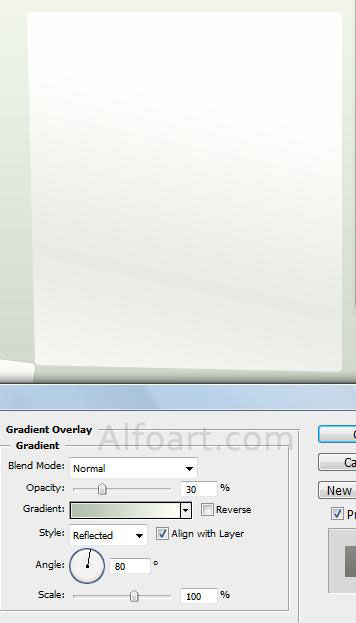
- Apply smooth Gradient Overlay effect to rectangular.
- Load selection for created rectangle, fill it with dark color/transparent gradient, apply Gaussian blur, Noise filter effect, apply Distort Transformation once again, extend bottom left corner.
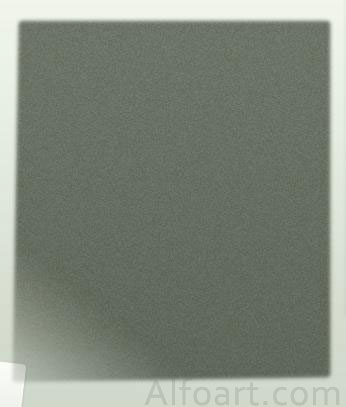
- Here is result.
- Paste image that you want. Apply layer style effects just like for rectangular.