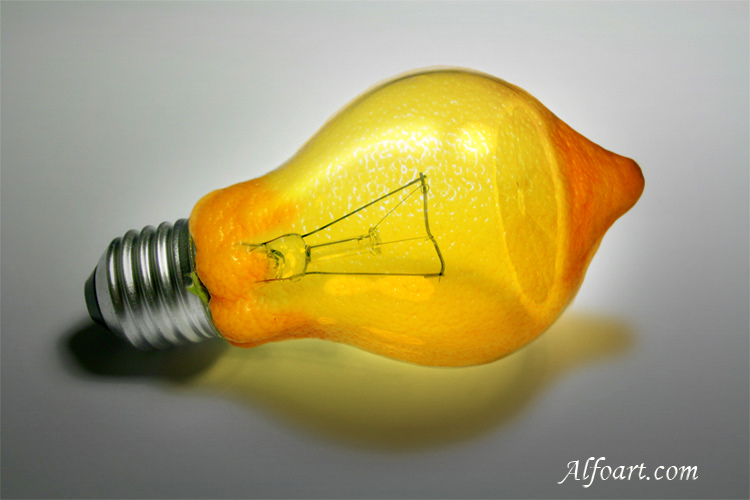






| You may get .psd* file of "Fruit bulb" Photoshop tutorial by making a payment. Put the tutorial title in "Add special instructions to seller" line of PayPal and it will be sent to you shortly. |
- Choose Filter >Blur > Gaussian Blur (15 - 22).

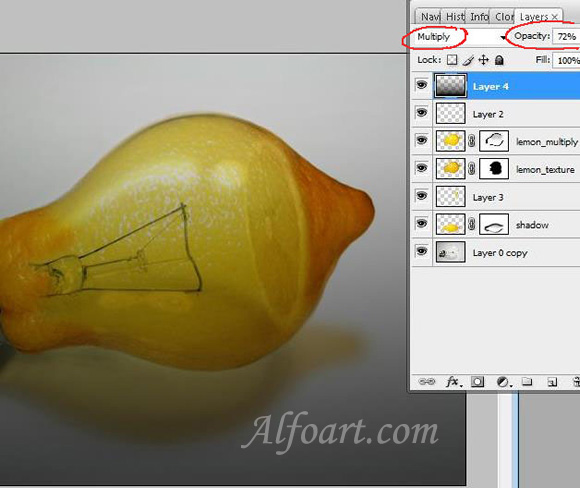
- Create a new layer.
- Set Blending Mode for layer Multiply, Opacity 72%.
- Fill layer with gradient (black/transparent)
- Add Vector Mask.
- Erase part of gradient using soft round brush.
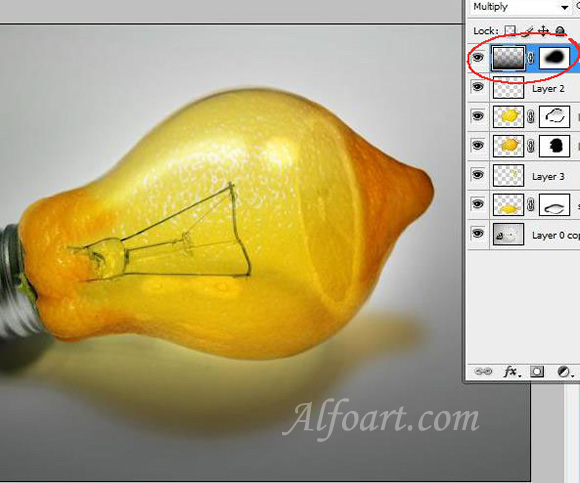
And here is the result! Click for larger view.