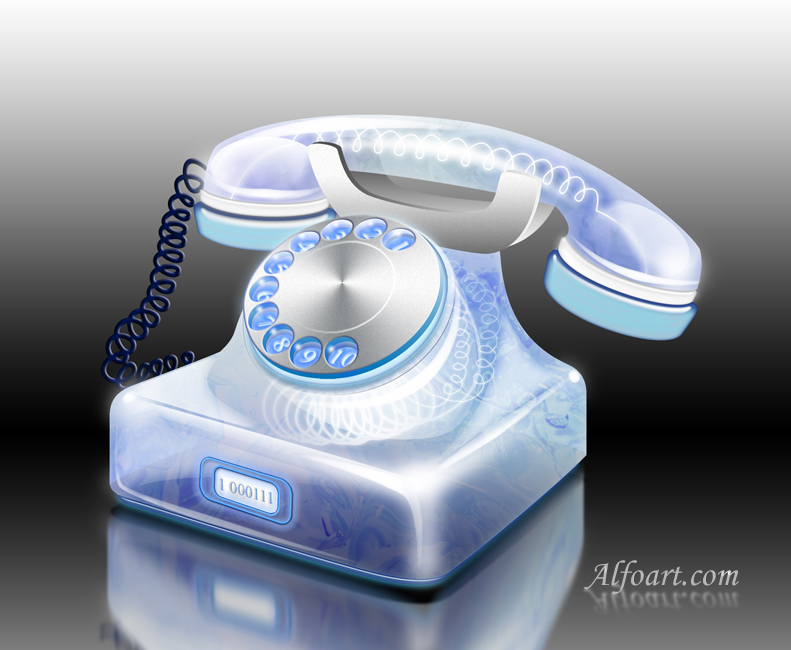






| You may get .psd* file of "Phone digital rendering photoshop tutorial " Photoshop tutorial by making a payment. Put the tutorial title in "Add special instructions to seller" line of PayPal and it will be sent to you shortly.
|
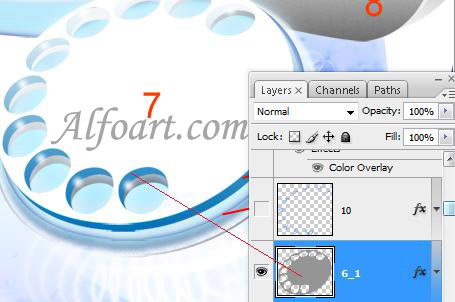
- Shape 6-1 - "Style 6-1".
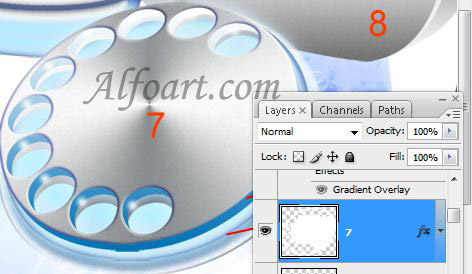
- Shape 7 - "Style 7".
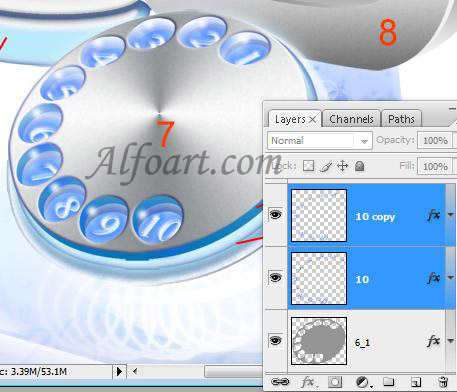
- Type numbers and apply Skew Transformation to them.
- Apply "10" layer style effect to numbers.
- Duplicate layer with numbers and apply "10 copy" layer style effect.
- Load selection to "Shape 15", fill it with black color in a new layer.
- Move black shape down and apply Gaussian Blur (5-6).
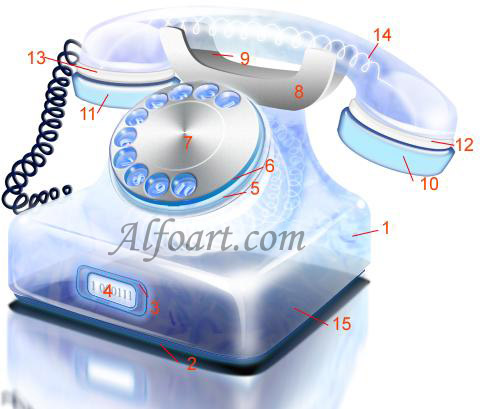
- Add black/white Reflected Gradient to background layer.
And here is the result! Click for larger view.