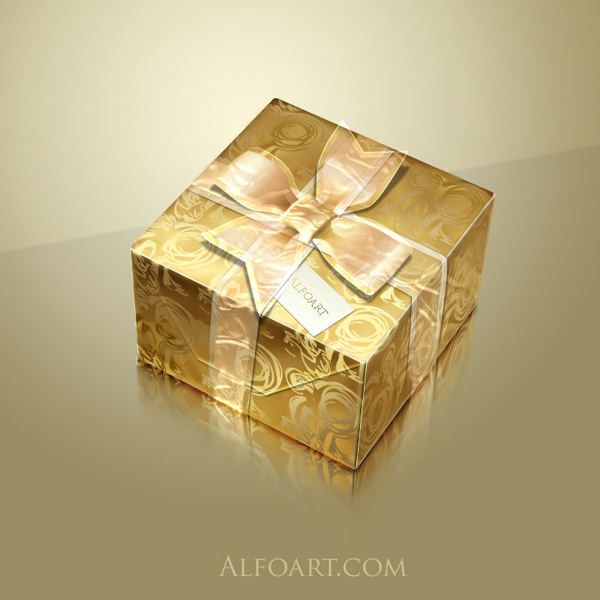






| You may get .psd* file of "Golden foil gift box from scratch" Photoshop tutorial by making a payment. Put the tutorial title in "Add special instructions to seller" line of PayPal and it will be sent to you shortly. |
-
.jpg)
- Add shade effect using the same way just like in the example with paper corner on the page 7.
.jpg)
- Create a cross-section tape and a bow using previous way, but play with layer style adjustments, change direction for gradients.
.jpg)
- Create shade effect for bow. Load selection for bow shape, fill it with black color in the bottom new layer, apply small Gaussian Blur effect, and play with Opacity.
.jpg)
- Play with Gradient Overlay adjustments.
.jpg)
- Draw knot and folds.
.jpg)
- Load selection for whole bow and fill it with color in a new layer.
- Erase center part using soft brush.
.jpg)
- Apply Color Overlay effect to this layer, Fill = 0%.
.jpg)
- In order to create reflection, merge all layers except background.
- Select, copy and paste into a new layers left and right sides.
- Apply Vertical Flip transformation to them, and Distort Transformation after that.
.jpg)
- Add Layers Masks to sides.
- Fill them with black and white gradient just like in the example below.
.jpg)
-
Correct reflection using soft translucent brush in Layer Mask.
.jpg)
- To create shade draw blurred black stroke and apply Overlay Blending Mode to it.
.jpg)
And here is the result!