





| You may get .psd* file of "TV aquarium. Digital drawing" Photoshop tutorial by making a payment. Put the tutorial title in "Add special instructions to seller" line of PayPal and it will be sent to you shortly.
|
- Insert a picture of water with bubbles into the Photoshop document and cut it out in form of TV screen.
- Apply Overlay Blending Mode and Opacity 50%.
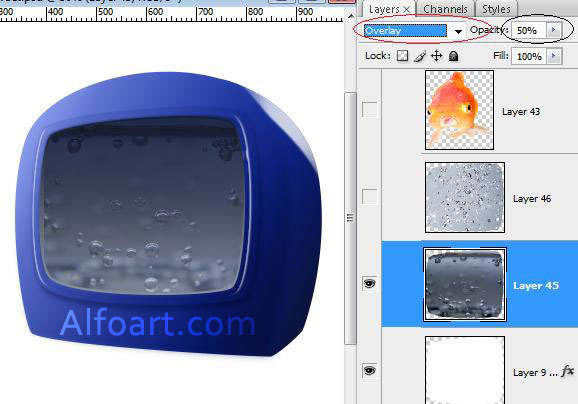
- Insert a picture with fine bubbles and apply the same adjustments but leave Opacity 100%.
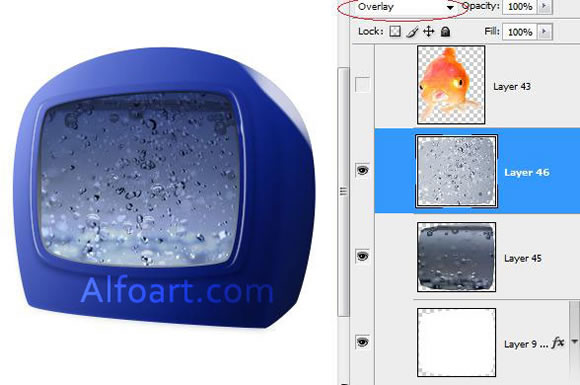
- Duplicate Screen layer once again, place created layer above bubbles layer.
- Adjust layer Fill 0%
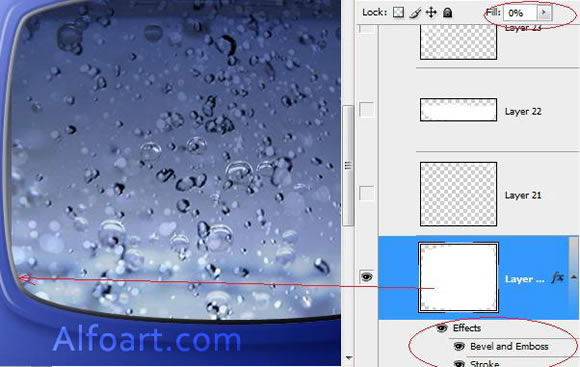
- Apply gray/black linear gradient for stroke (6 px).
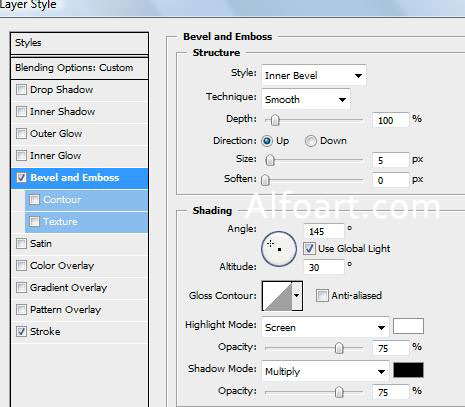
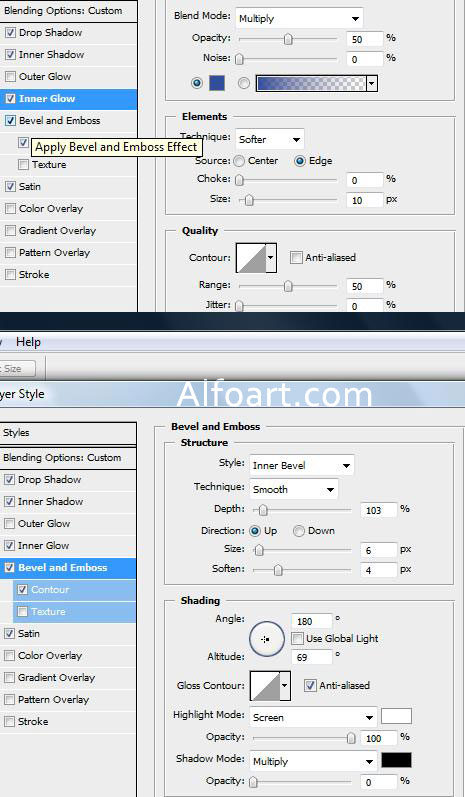
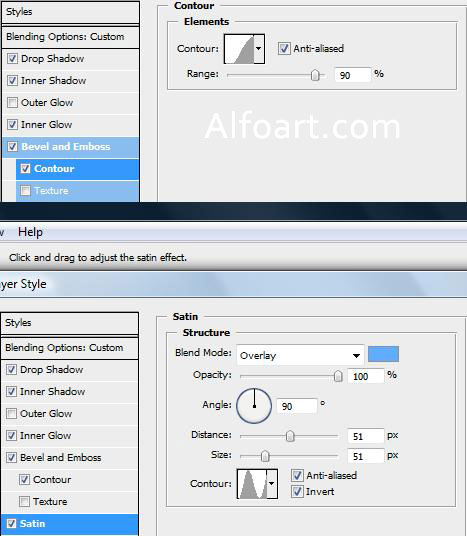
- Make Bevel and Emboss layer style effect.